如何安装水晶报表CRforVS_redist_install_32bit
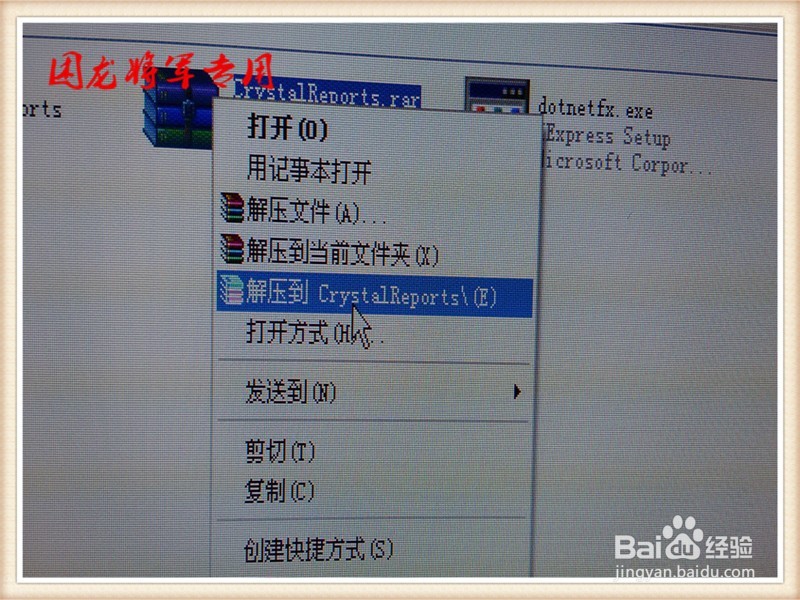
1、打开“CRforVS_redist_install_32bit_13_0_1”,右键解压缩。

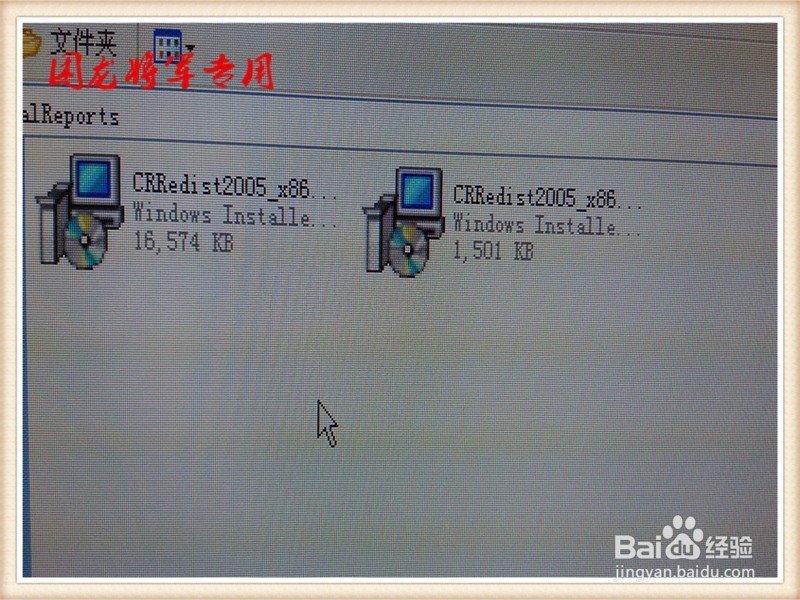
2、解压以后文件,即可执行文件。
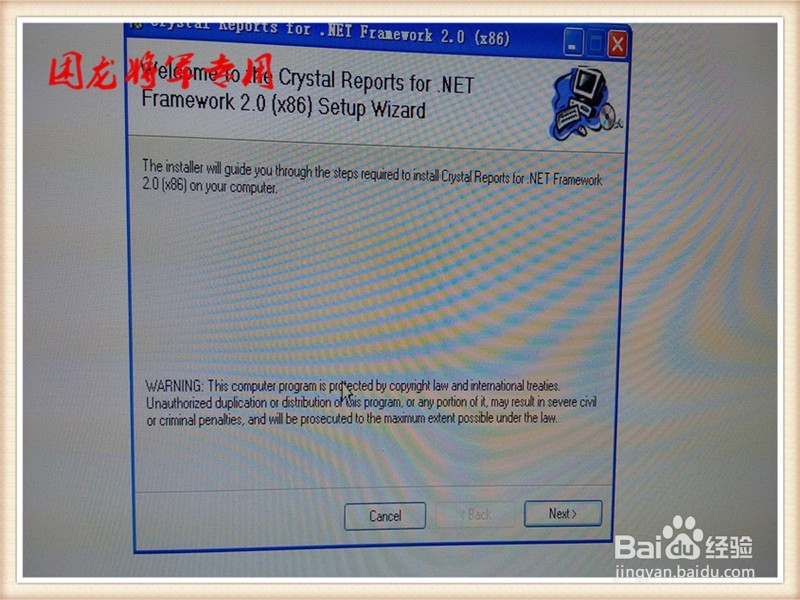
3、双击打开。
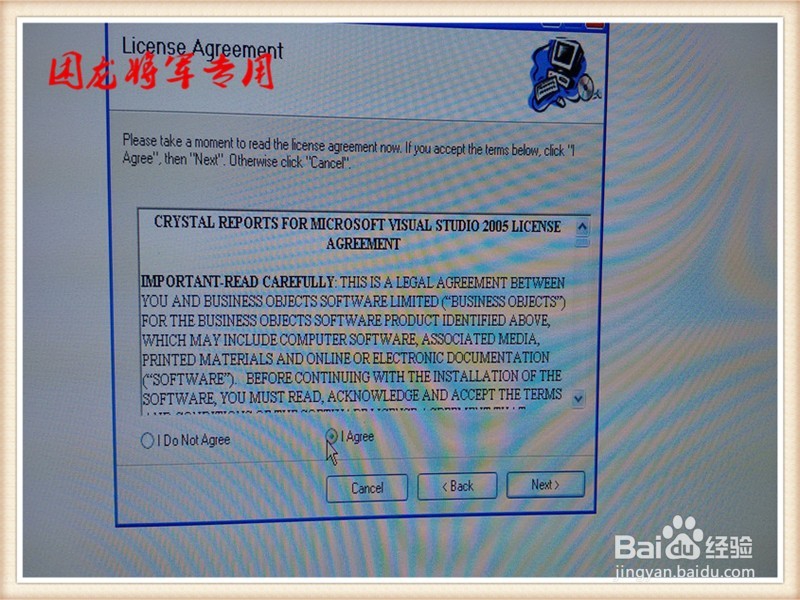
4、点击“我同意”按钮。

5、点击“下一步”

6、点击“下一步”

7、点击“下一步”

8、点击“完成”


阅读量:84
阅读量:129
阅读量:106
阅读量:91
阅读量:36
1、打开“CRforVS_redist_install_32bit_13_0_1”,右键解压缩。
2、解压以后文件,即可执行文件。
3、双击打开。
4、点击“我同意”按钮。
5、点击“下一步”
6、点击“下一步”
7、点击“下一步”
8、点击“完成”