GitHub创建repository仓库
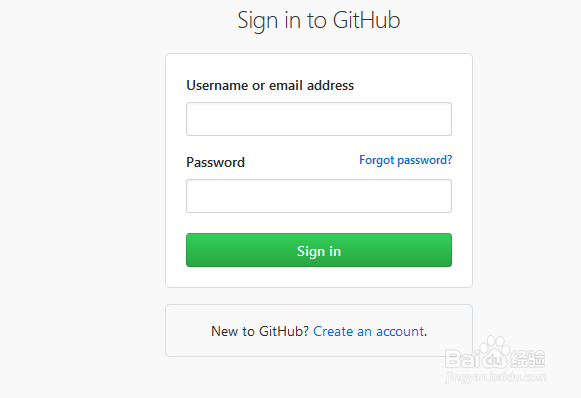
1、首先登入你的GitHub账号
2、右上角选择New repository

3、输入仓库信息,如仓库名,描述,仓库访问权限等设置

4、信息输入好后单击Create repository

5、创建好的查看如下

阅读量:70
阅读量:92
阅读量:111
阅读量:95
阅读量:100
1、首先登入你的GitHub账号
2、右上角选择New repository
3、输入仓库信息,如仓库名,描述,仓库访问权限等设置
4、信息输入好后单击Create repository
5、创建好的查看如下