在PowerPoint如何快速使用“插入艺术字”功能?
1、打开PowerPoint软件。

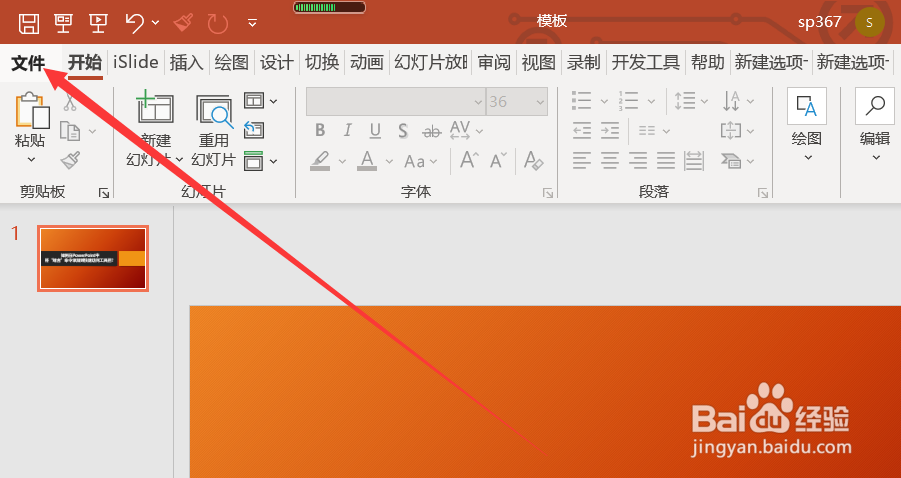
2、点击“文件”选项卡。
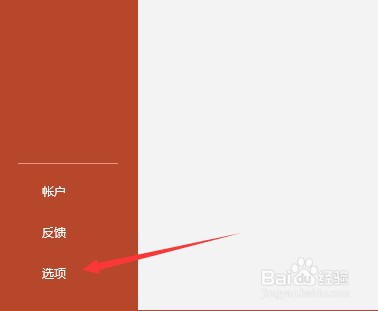
3、点击“选项”选项卡。
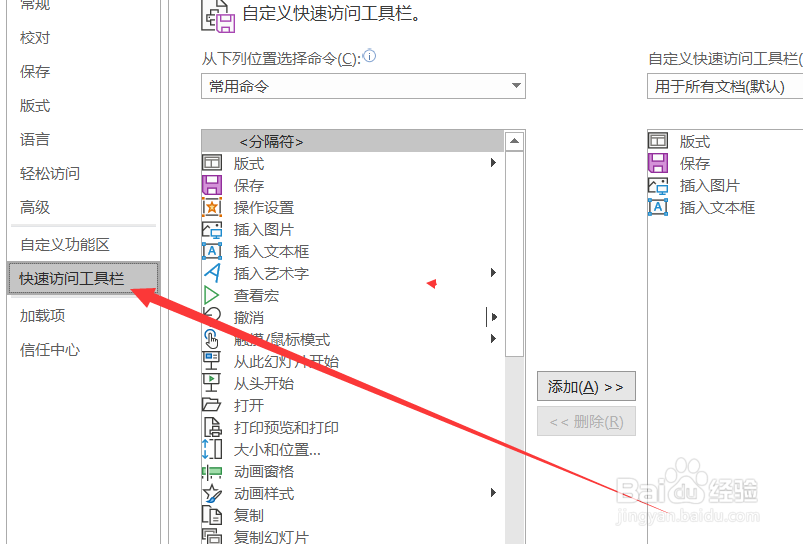
4、点击“快速访问工具栏”。
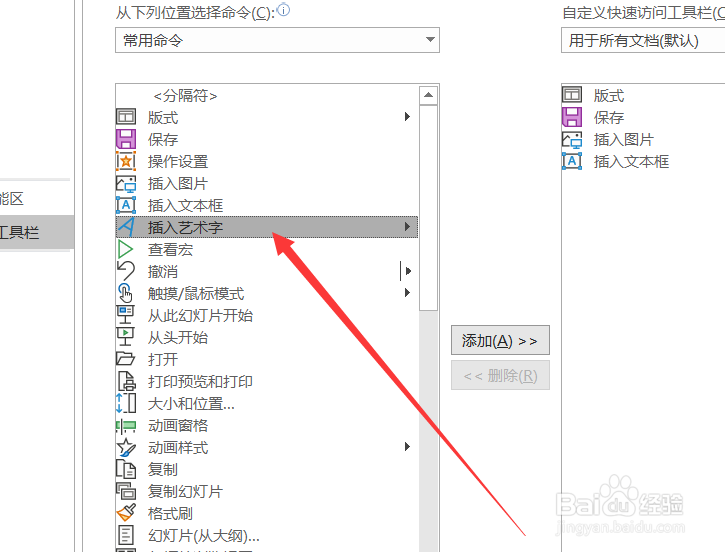
5、点击“插入艺术字”。
6、点击“添加”。
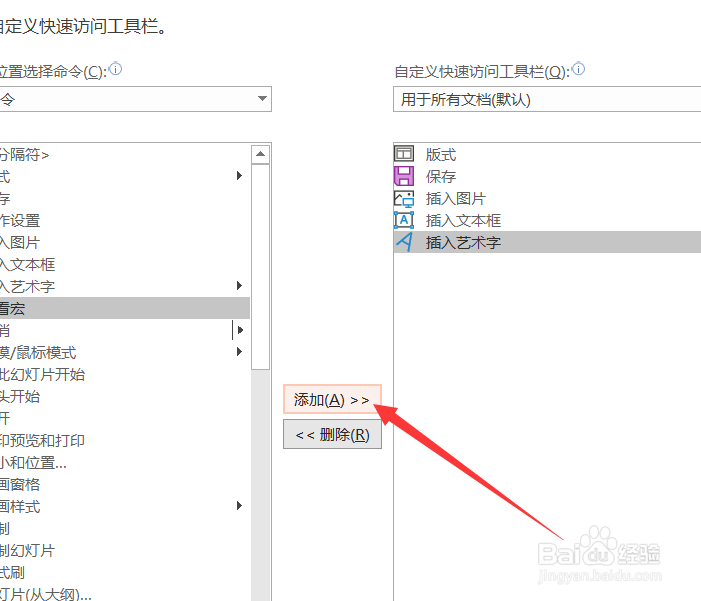
7、点击“确定”。

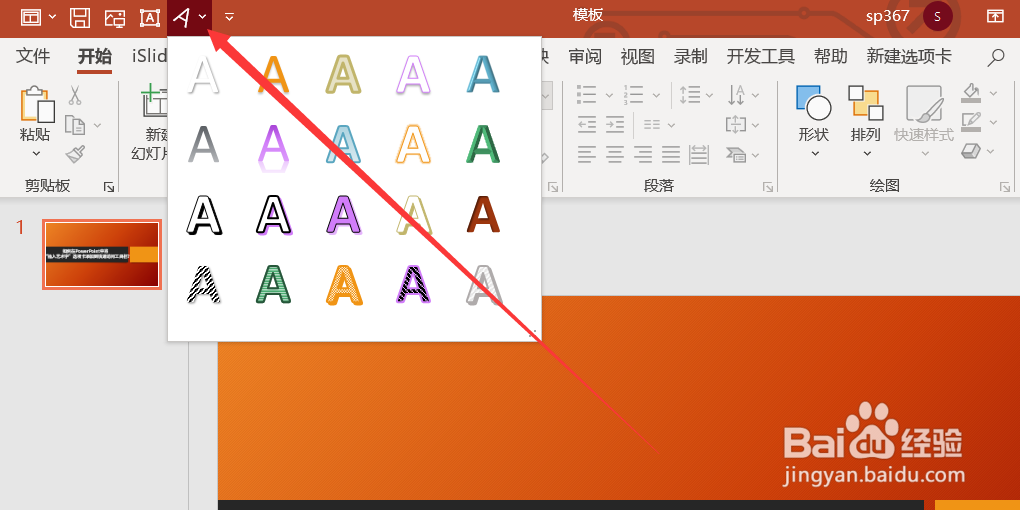
8、这样“插入艺术字”按钮就被添加到快速访问栏中了。
阅读量:27
阅读量:176
阅读量:134
阅读量:65
阅读量:121
1、打开PowerPoint软件。
2、点击“文件”选项卡。
3、点击“选项”选项卡。
4、点击“快速访问工具栏”。
5、点击“插入艺术字”。
6、点击“添加”。
7、点击“确定”。
8、这样“插入艺术字”按钮就被添加到快速访问栏中了。